 MCP Linker
Add MCP servers without editing config files
MCP Linker is a desktop app for macOS, Windows, and Linux. Find a server, choose where it goes, and add it to Claude Code, Codex, Claude Desktop, and more.
Or install with Homebrew
brew install mcplinker- Claude Code
- Codex
- Claude Desktop
- Cursor
- Cline
- GitHub Copilot
- mcphub.nvim
- OpenCode
- Pi
- Hermes Agent
- Augment
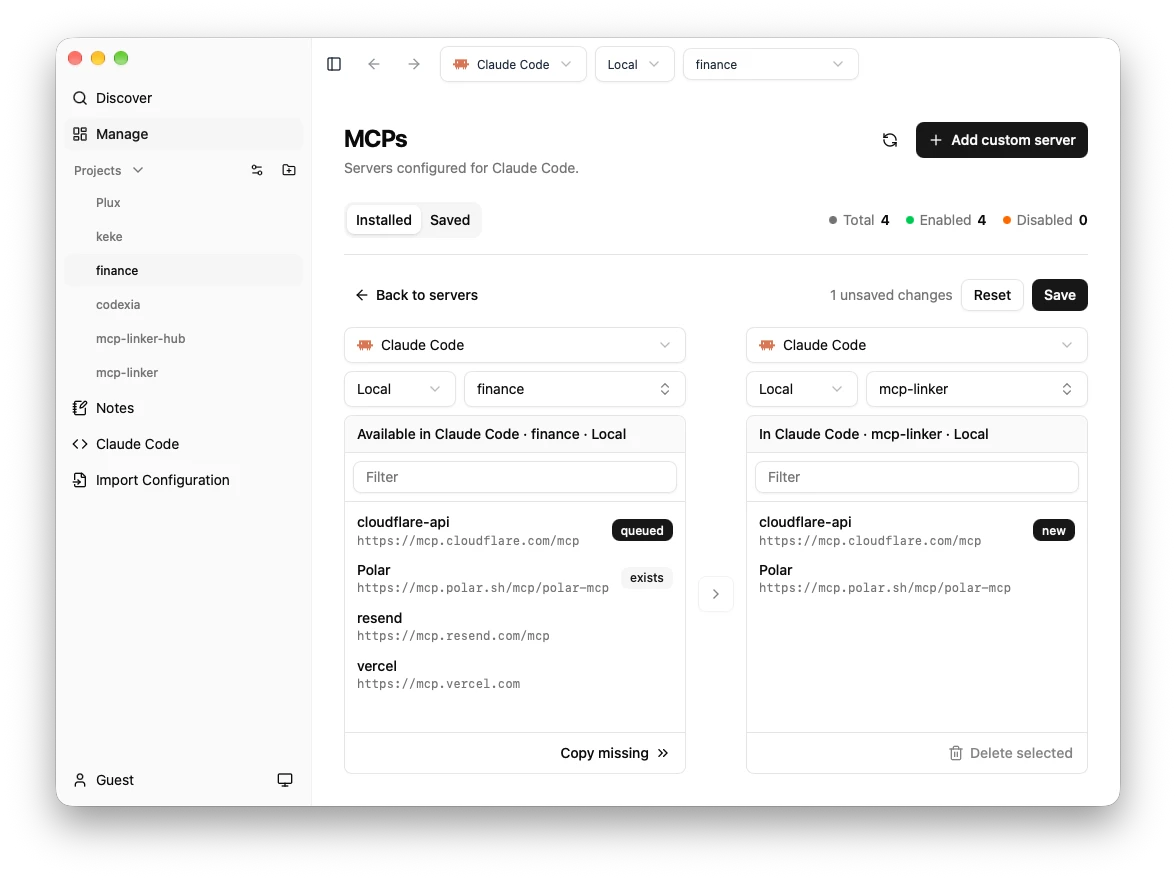
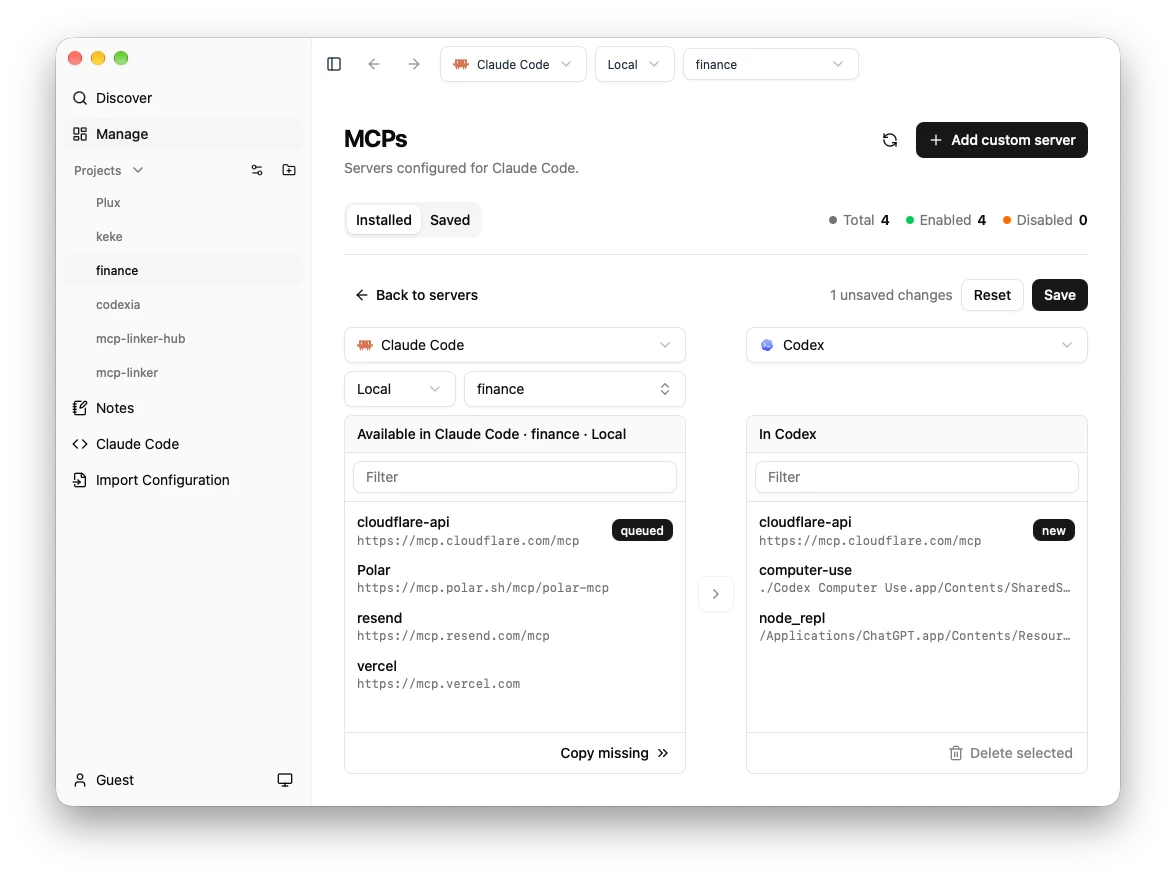
Features
Every client
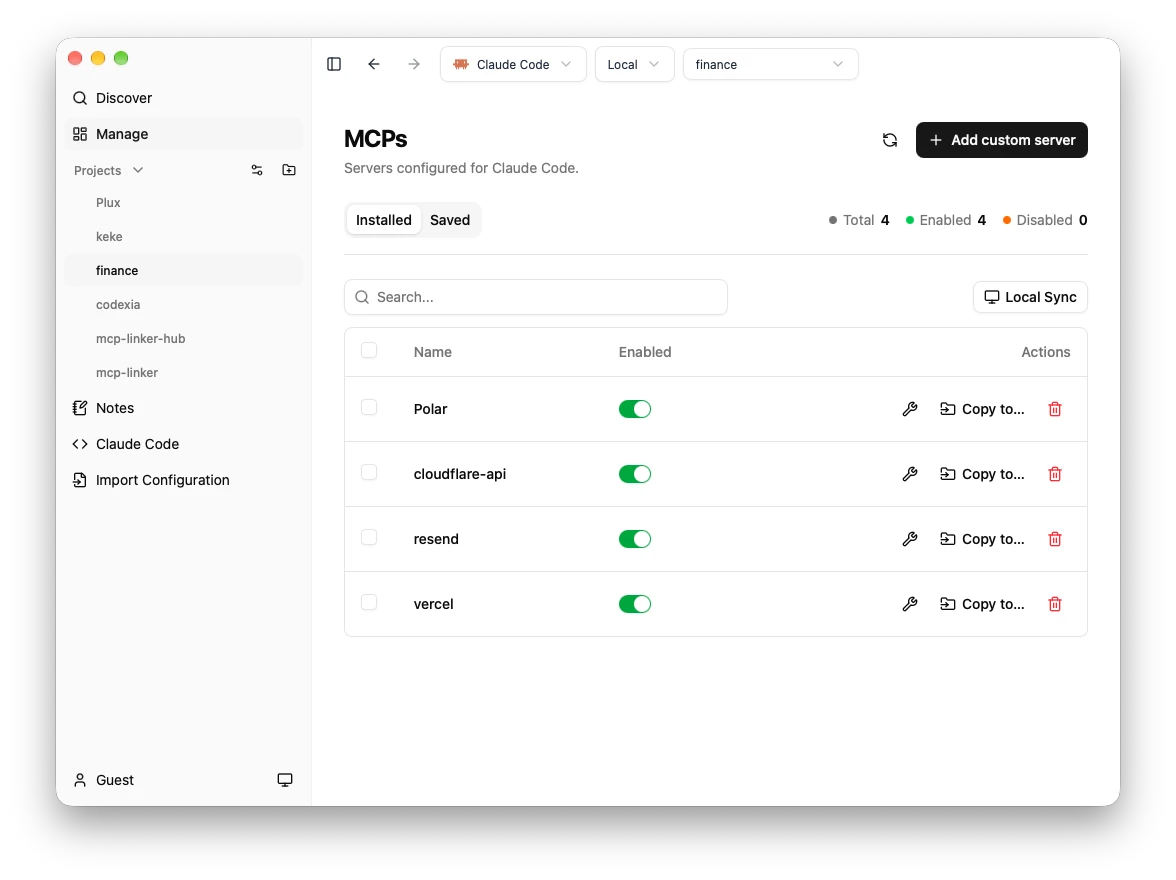
Add, edit, enable, disable, and remove servers in every client, Claude Code and Codex included, for free. Syncing between Claude Desktop and Cursor is free too.
Discover
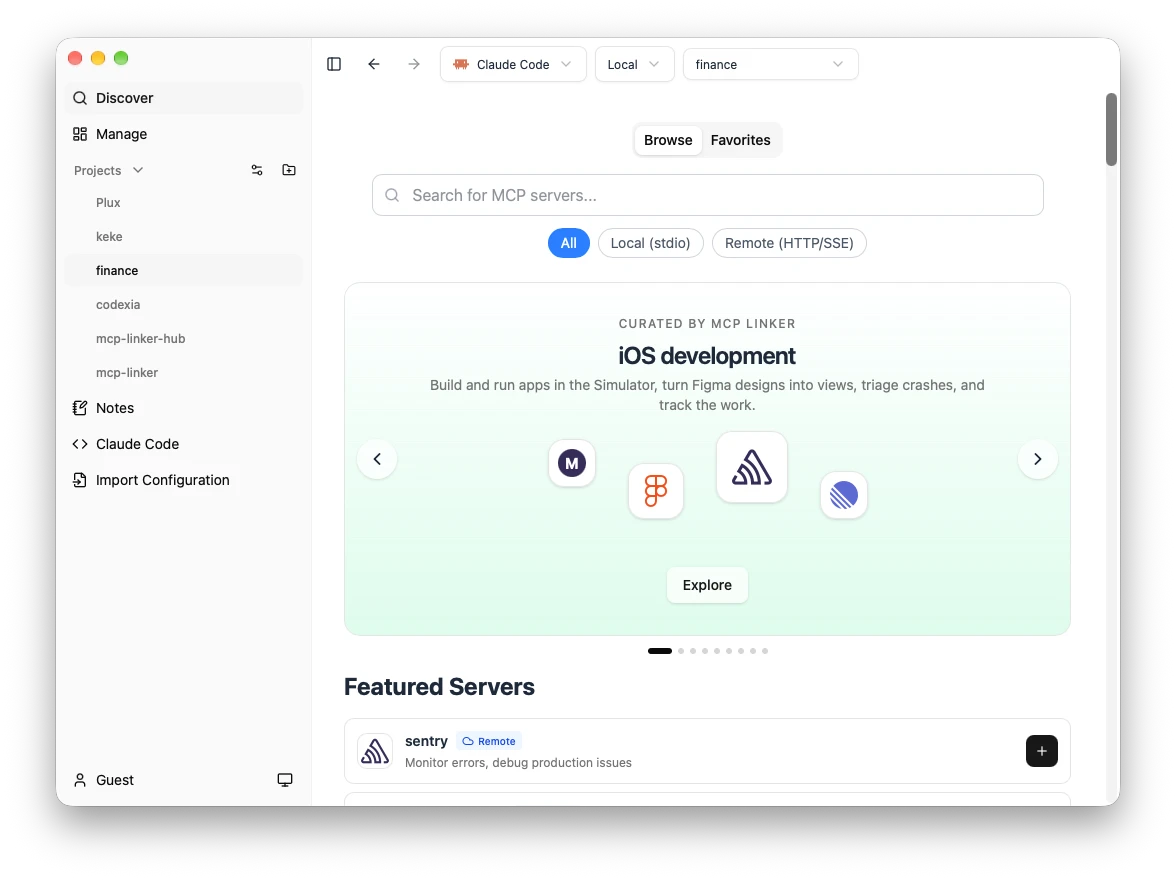
Browse the curated catalog and the official MCP Registry, then choose a configuration and target before adding.
Projects
Choose a project path, with per-client project preferences.
Plugins
Manage Claude Code and Codex plugins, and browse and add plugin marketplaces.
Batch actions
Select several servers and enable, disable, or remove them at once.
Featured servers
All 53 servers → sentryOfficialMonitor errors, debug production issues
 parallel-searchOfficialOpt in by clicking Add. User-provided search objectives, search queries, and requested URLs are sent to Parallel.
 linearOfficialIntegrate with Linear's issue tracking and project management
 notionOfficialRead docs, update pages, manage tasks
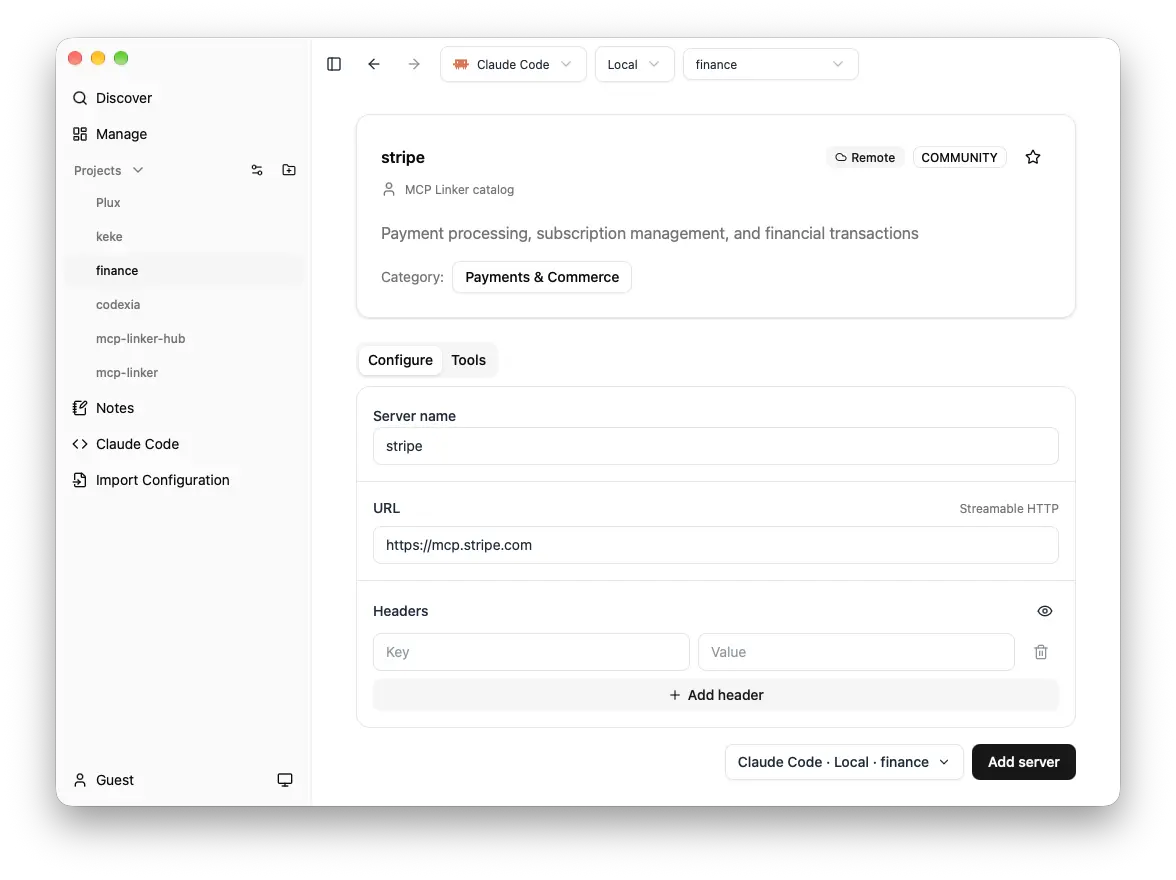
 stripeOfficialPayment processing, subscription management, and financial transactions
 figmaOfficialAccess designs, export assets (Requires Figma Desktop with Dev Mode MCP Server)
FAQ
What is MCP Linker?
MCP Linker is a free desktop app for macOS, Windows, and Linux that adds, edits, enables, and removes MCP (Model Context Protocol) servers in AI clients such as Claude Code, Codex, Claude Desktop, and Cursor, without editing config files by hand.
Which AI clients does MCP Linker support?
Claude Code, Codex, Claude Desktop, Cursor, Cline, GitHub Copilot, mcphub.nvim, OpenCode, Pi, Hermes Agent, Augment.
How is MCP Linker different from editing the config file by hand?
Every client keeps MCP servers in its own file and format (JSON, TOML, per project or global). MCP Linker writes the right entry for the client and scope you pick, keeps secrets in the inputs it asks for, and can copy servers from one client to another.
Does MCP Linker call an LLM or send my config anywhere?
No. It edits local config files directly and makes no LLM calls. The source code is on GitHub under AGPL-3.0.
Is MCP Linker free?
Managing servers is free in every client. Syncing between most client pairs is a one-time paid upgrade with no subscription. See the pricing page for details.
Where do the servers come from?
A curated catalog maintained in the MCP Linker repository, plus the official MCP Registry at registry.modelcontextprotocol.io.
Free to start, pay once for more
Managing servers is free in every client. Plus adds syncing between clients and tool inspection; Pro adds syncing with Claude Code and Codex. Pay once, no subscription.
See pricing